
COMMUNICATION
Intelligent Conversations
Ask complex questions, brainstorm client campaign angles, and build full project outlines with seamless follow-up understanding.
- Deep contextual memory
- Clear, conversational tone
Discover how Meta's new autonomous personal assistant automates your daily schedule, summarizes complex documents, connects your apps, and boosts your productivity.
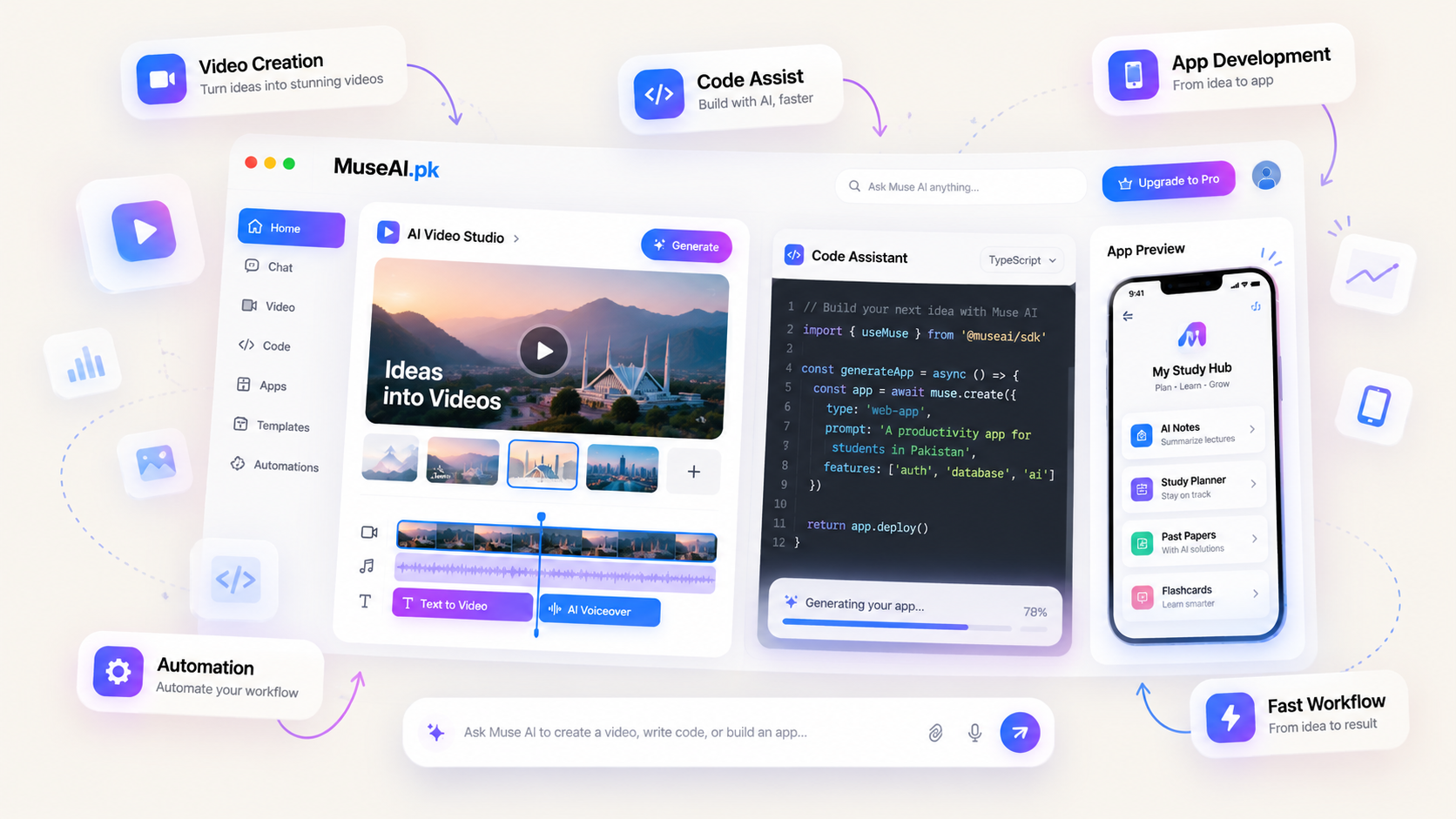
Unlike ordinary chatbots that just reply with text, Muse AI is an action-driven personal agent designed to manage tasks, connect your daily tools, and save you valuable hours.
It doesn't just give suggestions. Muse can organize your notes, draft replies, and update your calendar with your permission.
Muse remembers previous instructions and project parameters within your active sessions, eliminating the need to repeat yourself.
Every important action requires your confirmation. Plus, you can opt out of AI model training with a single click in Settings.
Built to be your everyday copilot. Here are the standout features that make Muse AI a productivity powerhouse.
Ask complex questions, brainstorm client campaign angles, and build full project outlines with seamless follow-up understanding.
Never miss client deadlines or exam dates. Muse extracts action items from notes and schedules automated alerts across your devices.
Upload PDFs, Word docs, spreadsheets, or syllabi. Muse extracts vital summaries, key formulas, and action points in seconds.
Connect your Gmail, Google Drive, WhatsApp, and Meta tools. Muse interacts seamlessly without forcing you to switch tabs.
Never worry about rogue emails or accidental updates. Muse asks for explicit confirmation before triggering any sensitive action.
Take charge of your personal information. Easy settings allow you to turn off conversation storage and exclude chats from model training.
Whether you are managing international freelance clients or acing university exams, here is how to use Muse AI effectively in Pakistan.
Win more client proposals and keep projects on track. Muse drafts persuasive bids, synchronizes multiple timezone deadlines, and drafts professional weekly milestone summaries.
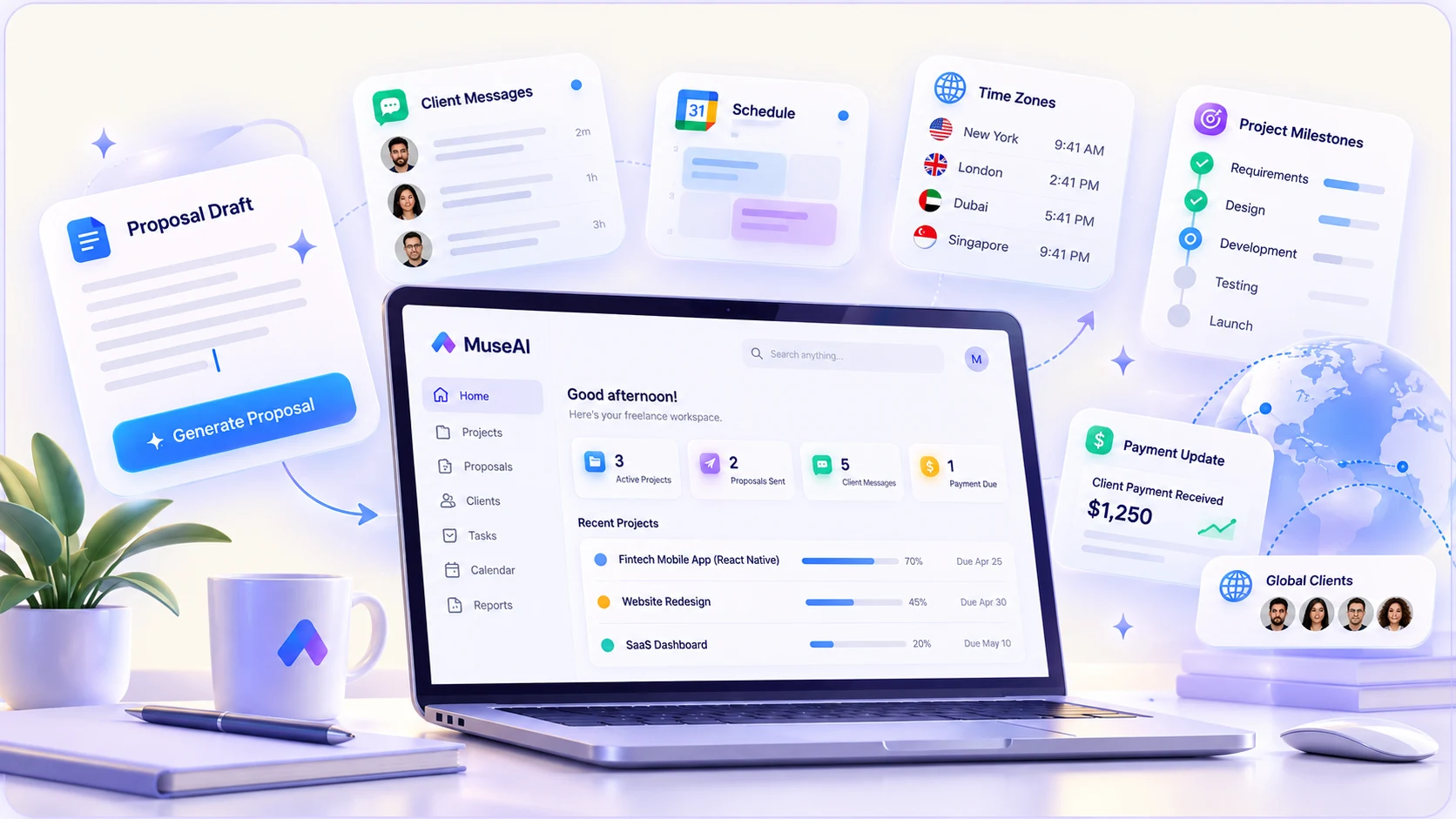
Conquer dense lecture slides and semester projects. Upload textbook chapters to extract key formulas, generate practice quizzes, and build optimized study timetables.

Automate daily standup preparation, generate clean Git commit descriptions, and summarize pull request discussions into actionable task tickets.

Turn trending ideas into engaging content. Generate catchy video hooks, outline multi-part scripts, and polish bilingual Urdu-English social media captions.

Follow these 4 simple steps to start using Muse AI today from anywhere in Pakistan.
Navigate to official muse.ai on your desktop or mobile browser. Sign in using your existing Facebook or Instagram account credentials. No complex VPN or foreign phone numbers needed.
Head to Account Settings and set your local timezone to Pakistan Standard Time (PKT, UTC+5). This ensures all scheduled reminders and calendar invites sync accurately.
Connect Gmail, Google Calendar, or WhatsApp via secure OAuth prompts. You can choose read-only permissions so Muse can view schedules without modifying your files without your consent.
Open Settings > Data Controls and toggle "Allow my data for model training" to OFF. Your personal discussions and client notes remain completely confidential.
Premium Gmail-based Muse AI setups with massive token capacity. Tailored for individuals, freelancers, teams, and enterprises in Pakistan.
Dedicated personal Gmail account setup with massive token capacity — perfect for power users, freelancers, and content creators.
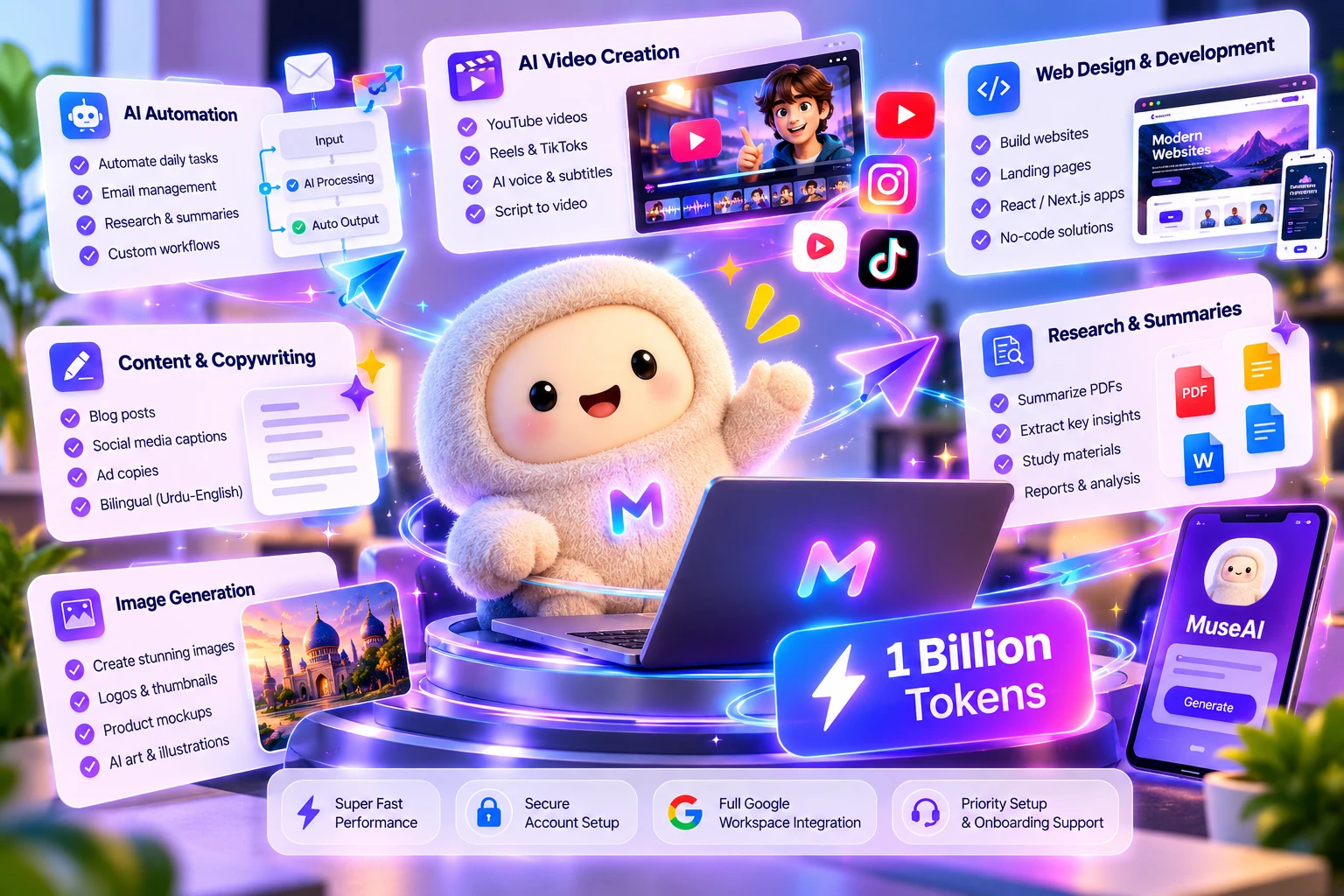
Contact us for custom PKR pricing
Dedicated Gmail-based Muse AI setup with enterprise-scale token capacity. Built for teams, agencies, and businesses with massive AI workloads.

Fully negotiable — contact for pricing
Complete plan details
Full enterprise details & capabilities
Everything you need to know about using Muse AI in Pakistan.